On the Readbetter Dashboard, scroll to Quick Send, enter the URL of the article and then click on Preview.
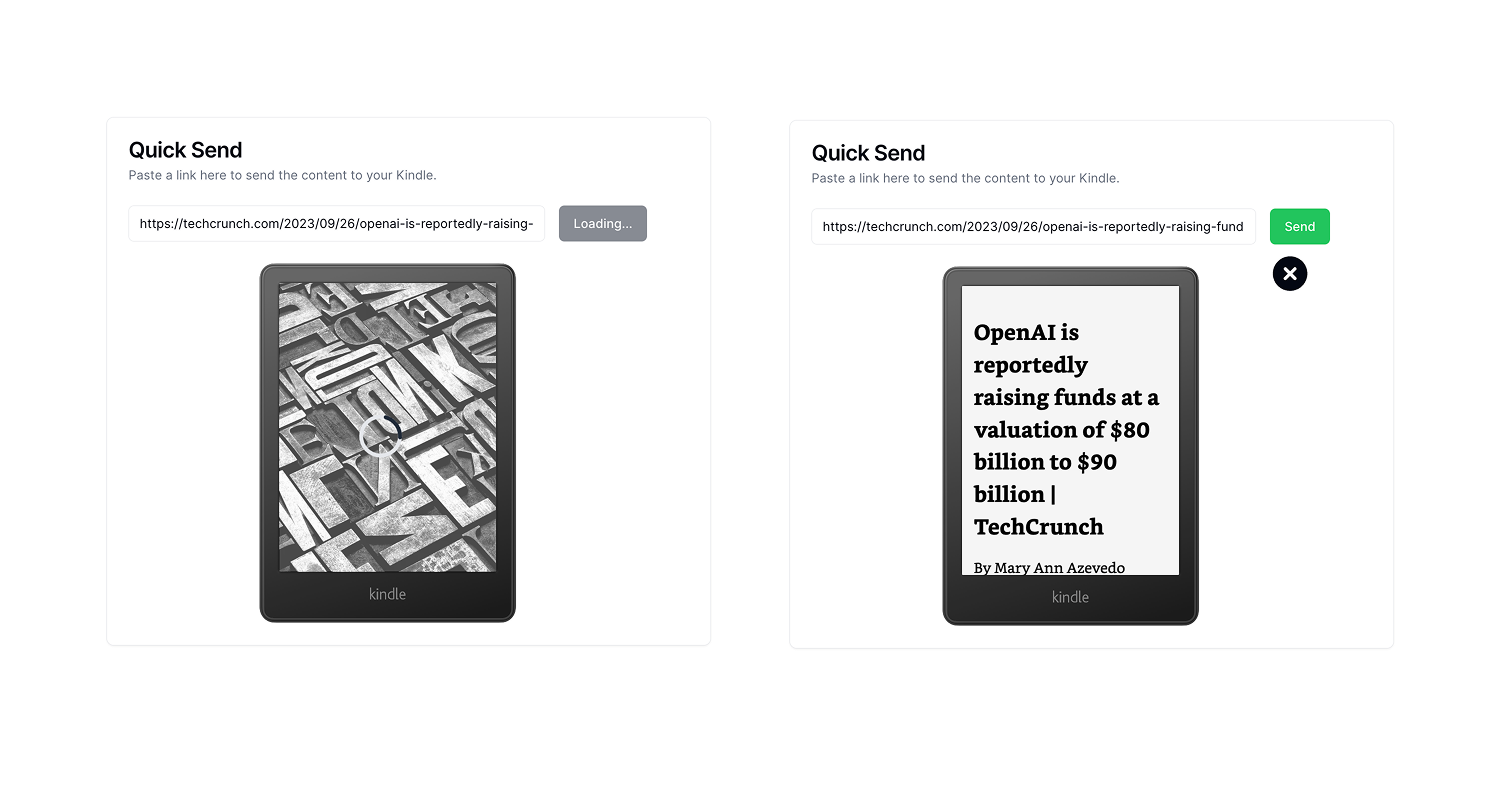
Wait a few seconds for the article preview to load. Then to send the article to your Kindle, click Send. Readbetter will convert it to a Kindle native format and send it to your Kindle via the Kindle email that you provided during setup.
Wait for a few minutes for the article to appear on your Kindle. Please make sure your Kindle is connected to the internet. Occasionally, Amazon’s servers have downtime. If the article doesn’t appear on your Kindle within 5 minutes, try again.
Should it still not work, please reach out to our support via the live chat on our site or at hello@support.readbetter.io.